
# Tools
Under the Tools tab, you will find the import tool that allows you to migrate your settings from the older modules.
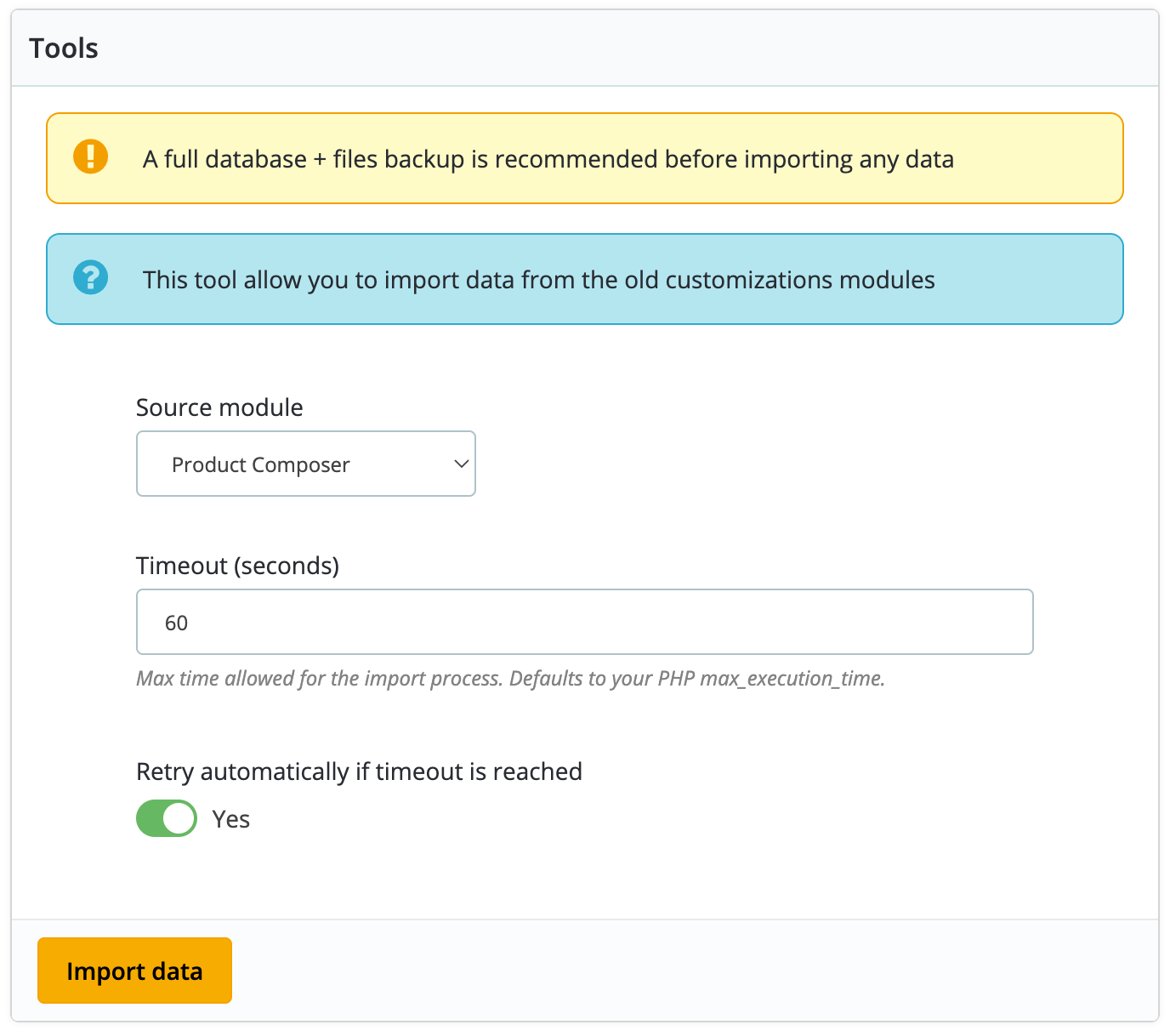
Here are the steps to follow to migrate your old settings:
1️⃣ Import the database tables from the old module (They start with either ps_customtextdesign_ or ps_productcomposer_)
2️⃣ Select the source module (Product Customization or Product Composer)
3️⃣ Select the timeout (Increase your max_execution_time in php.ini if needed) (Leave to default if you don't know what it is)
4️⃣ Click on the "Import data" button to start the migration process. The page will reload if a timeout occurs and the import will continue from where it left off.